Quick answer: Designers can use AI web design tools to analyze a reference site’s layout rhythm, typography, imagery, and interaction, then rebuild those qualities around original projects and positioning. The designer must direct the concept, selection, editing, accessibility, and final visual quality.
AI website design tools can help designers explore a portfolio, personal brand page, or project showcase faster. The risk is producing a generic page—or a result that resembles the reference too closely—without communicating the designer’s own point of view.
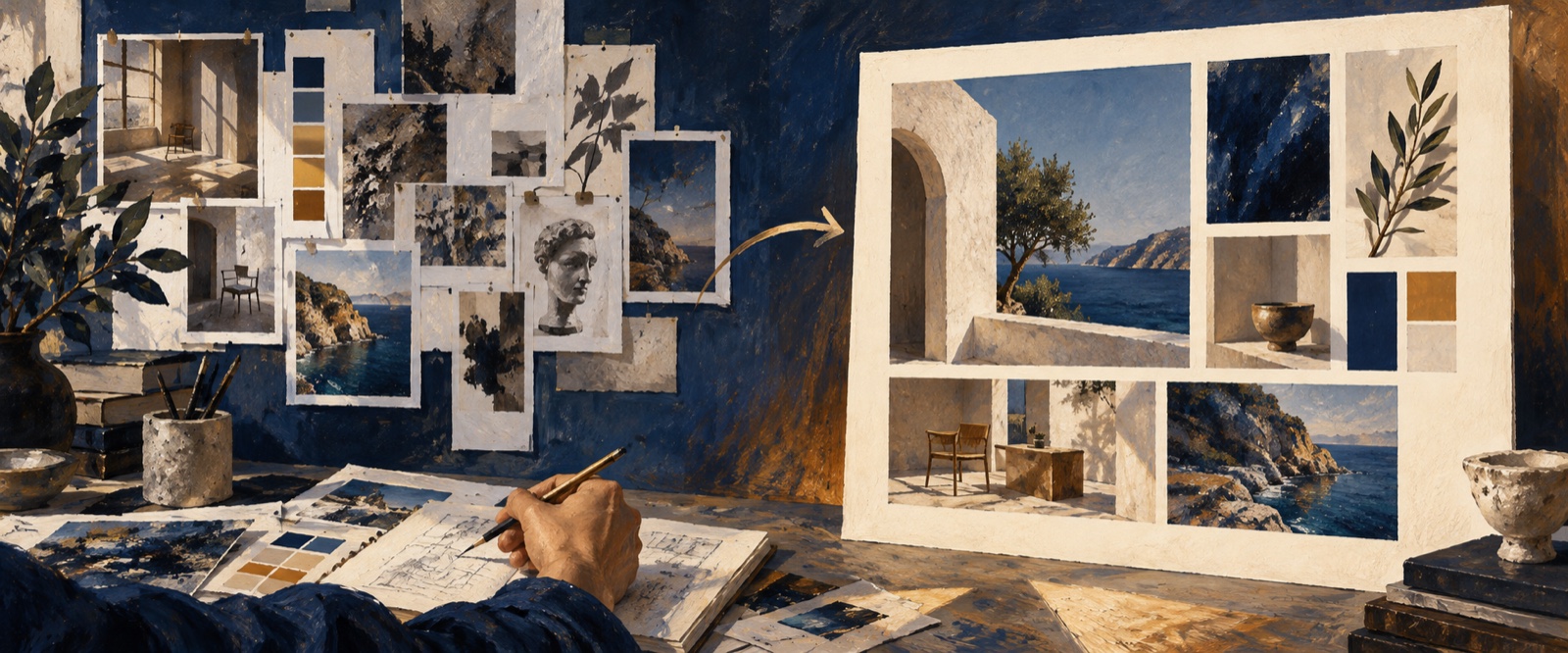
The right workflow separates transferable design qualities from the identity, content, and decisions that must remain original.
Analyze the reference before generating
Instead of asking AI to “make a site like this,” identify:
- layout rhythm and density;
- type scale and hierarchy;
- navigation and page transitions;
- image framing and art direction;
- use of whitespace, color, texture, and motion;
- what creates the overall tone;
- which elements belong specifically to the original brand and must not be copied.
This analysis turns a reference website into a design vocabulary.
Define the portfolio’s positioning
A strong designer portfolio is not only a gallery. It should make the designer’s role, strengths, process, and preferred type of work understandable.
Decide which projects support that position, what each case study should prove, and how a visitor should contact or evaluate the designer. A motion designer, product designer, and brand designer should not receive the same template with different images.
Reusable prompt for an AI portfolio website
Create a portfolio website for a [designer role].
My positioning is [specialty and audience].
The portfolio should prove [skills or outcomes] through [selected projects].

Use this reference for its [layout rhythm/type scale/interaction/pacing].
Do not copy its content, brand devices, or distinctive composition.

Build an original visual system around my [colors/images/copy/personality].
Include a clear project hierarchy, case-study entry points, and contact action.
Review the portfolio as a hiring decision
Ask whether a potential client or hiring manager can quickly understand:
- what kind of designer this is;
- what problems they solve;
- which work demonstrates those skills;
- how they think, not just what the final images look like;
- what action to take next.
Then review mobile behavior, image performance, motion, contrast, and keyboard navigation. Visual experimentation should not make the work difficult to discover.
Preserve authorship while using AI
AI can accelerate exploration, layout generation, and iteration, but the designer should direct the concept, selection, editing, and final quality. The goal is not to automate taste. It is to create more room for deliberate decisions.
For a broader agentic workflow, read Designing with AI Agents. If the approved portfolio must move into implementation, continue with Design to Code with AI.
Frequently asked questions about AI portfolio website design
Can AI generate a designer portfolio website?
AI can generate a portfolio structure, visual direction, responsive prototype, and initial components. The designer should still curate projects, write accurate case studies, direct the visual identity, and review accessibility and performance.
How should designers use reference websites with AI?
Describe the reference’s transferable qualities—such as typography, pacing, density, or interaction—then identify what must remain original. Do not ask the AI to reproduce a distinctive composition or brand identity.
What should an AI portfolio website generator not decide?
It should not decide which work proves the designer’s expertise, invent project outcomes, or replace authorship and taste. Those decisions are central to the credibility of the portfolio.
Explore faster without giving up authorship
OJO lets designers bring references, personal work, and visual constraints into an editable Canvas, then refine specific elements with targeted feedback. This can shorten early exploration while keeping portfolio selection, claims, and final taste under the designer’s control. Open OJO and turn a reference direction into an original portfolio concept.
OJO
Turn your next idea into a working product
Build research-backed UI, landing pages, and interactive prototypes with an OJO Agent Team.