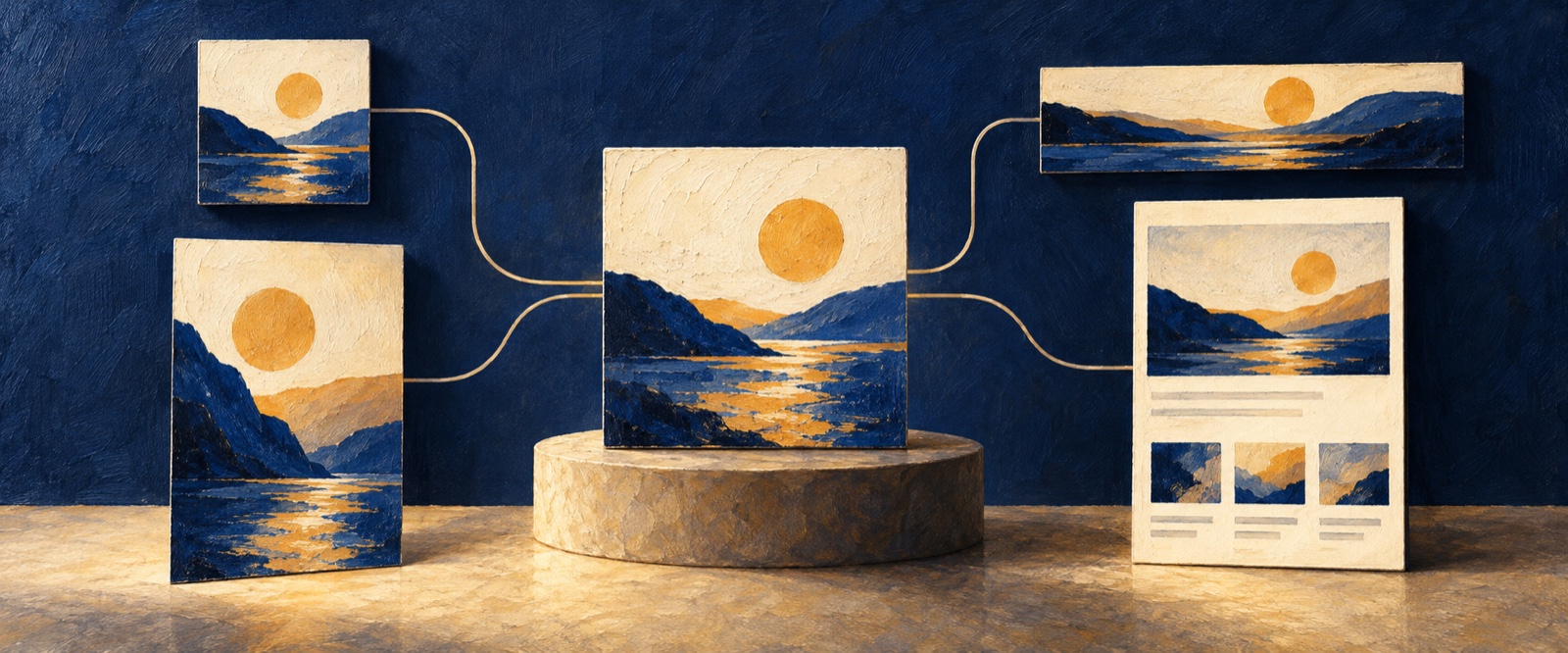
Quick answer: An AI marketing design tool can extract the visual and message system from an existing website, then adapt it into campaign assets for social, events, communities, or landing pages. The new asset should preserve brand consistency while changing hierarchy and density for the target channel.
An existing website already contains a brand system: colors, typography, image treatment, layout rhythm, tone, and reusable messages. An AI marketing design tool can help marketers extend that system into campaign assets without rebuilding the visual direction for every channel.
The objective is consistency with adaptation. A social cover, event poster, long-form image, and landing-page section should feel related, but each format needs a different information hierarchy.
Extract the visual and message system
Before generating campaign content, identify:
- core colors and type character;
- composition and image treatment;
- recurring shapes, textures, and brand devices;
- tone of voice and approved terminology;
- product claims and proof that may be reused;
- elements that should not be changed.
Also separate durable brand rules from choices that apply only to the source page. A desktop website navigation pattern should not be forced into an event poster.
Define the campaign and channel
State the campaign goal, audience, theme, offer, time frame, required information, and desired action. Then describe the delivery format and where it will appear.
A recruitment graphic needs role and application information. An event poster needs time, location, speakers, and registration. A social cover needs a message that remains readable at a small size. The channel determines density and emphasis.
Reusable prompt for AI campaign asset generation
Use this existing [website/page/brand asset] as the source visual system.

Create a [event poster/social cover/long-form image/campaign graphic]
for [campaign and audience]. The primary action is [action].
Required information: [details].

Preserve the brand’s colors, typography, image treatment, and tone,
but adapt the hierarchy and composition for [channel and dimensions].
Do not copy the website layout literally.
Review brand consistency and channel fit
Check whether the new asset is recognizable as part of the same brand, whether the important message is readable in the target context, and whether the campaign action is clear. Remove website details that do not serve the new format.
Use a small set of reusable campaign rules so future assets can remain consistent. For a new landing page rather than derivative campaign content, begin with the AI Website Design Generator guide.
Frequently asked questions about AI marketing design tools
Can AI turn a website into social media assets?
AI can analyze an approved website’s visual system and adapt it into channel-specific layouts. The marketer must still verify copy, dimensions, brand rules, usage rights, dates, and campaign details.
How do AI campaign asset generators maintain brand consistency?
They need explicit inputs: approved colors, typography, imagery, tone, composition rules, required messages, and protected elements. A source URL alone may not distinguish durable brand rules from page-specific choices.
Should one campaign design be reused across every channel?
No. Reuse the brand system and campaign idea, but adapt information density, crop, pacing, and CTA to each channel. Consistency does not require identical composition.
Extend an approved brand system into campaign assets
OJO can use an existing page, approved content, and campaign requirements to develop channel-specific visual assets while keeping the brand direction connected. The practical value is faster adaptation across formats with fewer inconsistent one-off designs. Open OJO and turn an existing web asset into your next campaign direction.
OJO
Turn your next idea into a working product
Build research-backed UI, landing pages, and interactive prototypes with an OJO Agent Team.