OJO / IDEA TO LANDING PAGE
Landing Page from Idea / PromptGive the idea a front door.
Use an AI landing page generator to create a landing page with AI from an early idea. Turn the brief into a landing page from prompt and give visitors a clear reason to act.
An intimate supper club. Seasonal plates. Sell a seat at the table.
HOURS↗GOOD COMPANY.
NO SMALL TALK REQUIRED.
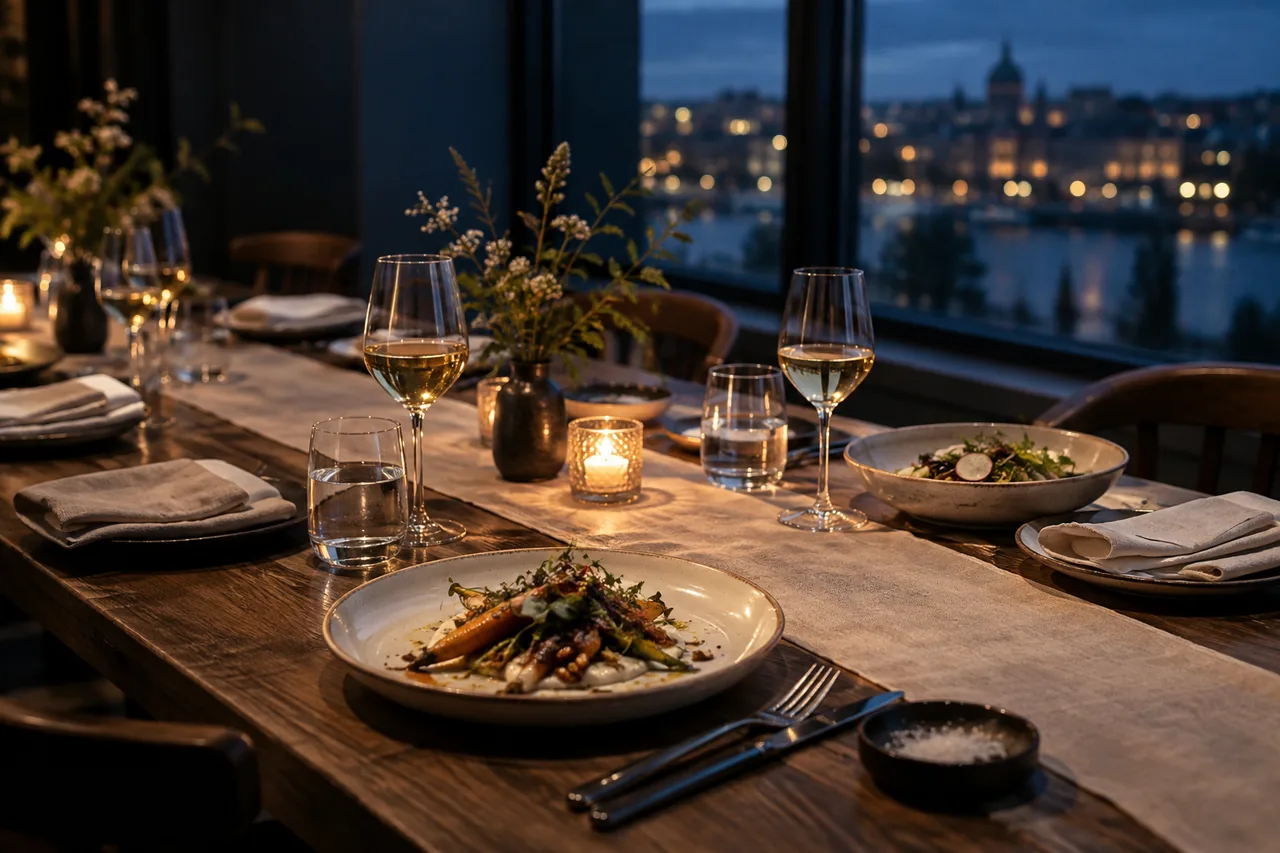 A TABLE WORTH COMING TOGETHER FOR.
Meet over something good.
A seasonal, three-course supper for curious strangers.
Illustrative concept · Brief-to-page directions
Choose a brief, then select Preview direction.
What would make a stranger join your table?
QUICK ANSWER
How do you create a landing page from a prompt?
Start with a specific audience, offer, proof, and action—not a generic visual request. OJO turns that prompt into an event landing page structure, then helps the team review the story, signup path, responsive hierarchy, and unanswered questions.
- Best for
- Events, communities, waitlists, and product launches that need a prompt-to-landing-page concept.
- Design output
- An editable landing page prototype with message hierarchy, CTA flow, and review notes.
THINK. MAKE. REVIEW.
A good prompt starts with the offer.
Creating a landing page starts with a decision: who is it for, and why join? Use OJO to make the answer visible.
Your Agent Team applies the right Skills.
- 01
PRODUCT & BUSINESS THINKING
Write the invitation.
For AFTER HOURS, name the guest, occasion, and experience. Add the date, menu direction, and action you want the page to support.
The brief: audience + evening + offer + next action.
- 02
Your Agent Team applies the right Skills.
Go from prompt to UI.
Give your team the brief and landing page inspiration. Build a landing page around the invitation, visual direction, and essential details.
The page: atmosphere → the evening → the invitation.
- 03
REVIEW
Read it as a first-time guest.
Challenge vague promises and missing details. Can a guest understand the occasion, decide whether it suits them, and find the next action?
The review: clarity, details, visible action.
TAKE THE WORK FORWARD
Keep the brief beside the design.
Carry the copy, visual direction, and open questions into implementation. Confirm event details and connect the reservation flow before inviting guests.
- Offer and audience
- Page hierarchy
- Reservation requirements
A FEW USEFUL ANSWERS
Before you get started.
How to create a landing page from a rough idea?
Write one sentence about the audience, offer, and action. Add concrete details, then ask your OJO team to develop and review the page.
What should I include in a text to UI prompt?
Include the visitor, offer, essential content, visual references, and mobile priority. Specific constraints give your design team a useful direction.
Can I try different positioning for the same idea?
Yes. Change the audience or occasion in your brief, then review how the headline, details, and call to action should change.
Does the example create a live event page?
This example explores prepared design directions. Before launch, verify your offer, implement the reservation flow, and test across devices.
YOUR NEXT DESIGN DECISION
Bring a rough idea.Make a clear invitation.
Design with OJOOJO brings product and business thinking, a design-aware Agent Team, specialist Skills, and thoughtful review into one workspace.