Skip to content

OJO PRODUCT / SKILLS

AI Design Agent SkillsReusable judgment for every stage of the work.

OJO is an AI Design Agent Team Workspace for product teams. Combine specialized agents and reusable Skills to shape decisions, create designs, and review outputs in one place.

OJO / SKILL SYSTEMReusable product expertise

PRODUCT SKILLS

A decision-ready product brief

Strategist · Researcher · Critic

  1. 1Product positioning
  2. 2Requirements analysis
  3. 3Feature priority
OUTPUTA decision-ready product brief
Choose a family · combine Skills · review the output in context

Choose a Skill family to see the agents, decisions, and outputs it supports.

THE PRODUCT DECISION

Which reusable capability should the Agent Team apply to the next product decision?

DIRECT. MAKE. REVIEW.

Skills make expertise addressable.

A generic artificial intelligence design assistant can generate options. OJO goes further. Each AI design agent can apply, explain, and combine reusable Skills. Your team reviews the work in the same workspace.

Your Agent Team applies the right Skills.

  1. 01

    01 / PRODUCT

    Frame the business and product decision.

    Use AI tools for product design before visual execution. Clarify positioning, discovery, requirements, priorities, user flows, and review criteria.

    Outputs: positioning, PRD, competitive view, prioritized flow.

  2. 02

    02 / INTERACTION

    Turn intent into usable states.

    Apply interaction and UX Skills to information architecture, wireframes, and onboarding. Define responsive behavior, component specifications, and accessibility.

    Outputs: wireframes, user flow, responsive states, interaction rules.

  3. 03

    03 / VISUAL

    Bring taste and consistency to the system.

    Use generative UI to explore options. Then apply typography, color, hierarchy, brand consistency, and critique through an aesthetic, design-aware agent.

    Outputs: visual direction, UI system, critique, refined screens.

  4. 04

    04 / MOTION

    Use movement to clarify change.

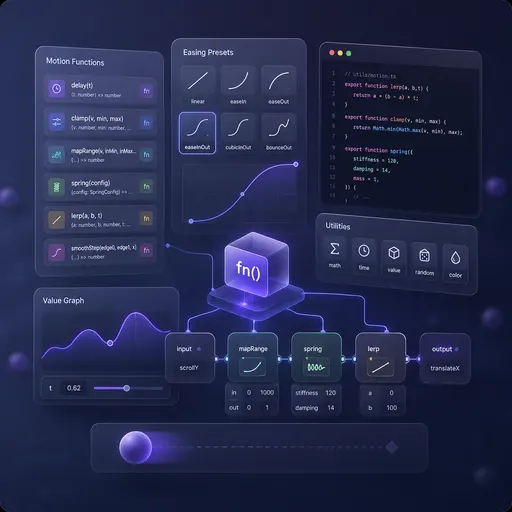
    Motion Skills connect state, focus, sequence, and feedback without adding decoration. Review reduced motion and performance as part of the design.

    Outputs: motion system, interaction transitions, implementation notes.

  5. 05

    05 / DEVELOPMENT

    Keep design intent through delivery.

    Connect design to code and AI design to code workflows. Include frontend review, accessibility checks, responsive implementation, and a clear engineering handoff.

    Outputs: implementation guidance, review findings, working interface.

START WITH YOUR TASK

Find the smallest useful Skill set.

Choose the decision in front of you. OJO recommends an Agent Team for the complete job, a focused starting set, and optional Skills to add only when the work creates a real need.

RECOMMENDED AGENT TEAM

AI Product Requirements Strategist

Explore the team
RECOMMENDED STARTING SET
  • Product Requirements Analysis
  • Steve Jobs Perspective
ADD WHEN THE WORK NEEDS IT
  • Competitive Analysis
  • Prioritize Features
  • User Persona
Recommended order
Frame the user and problem → inspect evidence → confirm positioning → prioritize scope
Expected result
Product positioning, assumptions, non-goals, and a prioritized first release.
Human checkpoint
Confirm the positioning and P0 scope before the work moves into interface structure.

Open the related guide

OFFICIAL OJO SKILL CATALOG

Five families. 72 Skills.

Every Skill below is available in the AI Design Agent Team Workspace. Public names follow the Product taxonomy. When OJO uses a different catalog name, it appears beneath the public name.

01

Product

Product judgment, requirements, discovery, prioritization, and strategic review.

21 Skills
  • Steve Jobs Perspective

    OJO catalog: Jobs Requirements Insight

    Discuss and make decisions through a Jobs-style lens.

  • Feynman Perspective

    OJO catalog: Feynman Clarity

    Explain clearly through a Feynman lens.

  • Lu Xun Perspective

    OJO catalog: Lu Xun Sharp Critique

    Examine issues through a Lu Xun lens.

  • Munger Perspective

    OJO catalog: Munger Rational Judgment

    Think through problems with a Munger lens.

  • Musk Execution Lens

    Drive rigorous execution through a Musk lens.

  • Product Restraint

    OJO catalog: Zhang Xiaolong Restrained Product

    Build products through a Zhang Xiaolong lens.

  • Efficient Growth

    OJO catalog: Zhang Yiming Growth Efficiency

    Evaluate growth through a Zhang Yiming lens.

  • Paul Graham Startup Lens

    Approach startups through a Paul Graham lens.

  • Negotiation-Focused Communication Perspective

    OJO catalog: Trump Communication Lens

    Approach negotiation through a Trump lens.

  • Product Page Information Architecture

    OJO catalog: Product Page Architecture

    Turn architecture into a page structure.

  • New Product Experiment Brainstorming

    OJO catalog: Brainstorm New Experiments

    An explicitly enabled community product Skill for focused judgment, workflows, or outputs.

  • Existing Product Idea Brainstorming

    OJO catalog: Brainstorm Existing Ideas

    An explicitly enabled community product Skill for focused judgment, workflows, or outputs.

  • Competitive Analysis

    An explicitly enabled community design Skill for focused judgment, workflows, or outputs.

  • Competitive Matrix

    An explicitly enabled community product Skill for focused judgment, workflows, or outputs.

  • Product Requirements Document

    An explicitly enabled community product Skill for focused judgment, workflows, or outputs.

  • Prioritize Features

    Prioritize product features.

  • Product Name

    An explicitly enabled community product Skill for focused judgment, workflows, or outputs.

  • Product Requirements Analysis

    Clarify a product idea like a product manager.

  • SWOT Analysis

    An explicitly enabled community product Skill for focused judgment, workflows, or outputs.

  • User Flow Diagram

    An explicitly enabled community design Skill for focused judgment, workflows, or outputs.

  • User Persona

    An explicitly enabled community product Skill for focused judgment, workflows, or outputs.

02

Interaction Design

Flows, states, responsive behavior, specifications, critique, and design handoff.

18 Skills
  • Da Vinci Systems Aesthetics

    Approach aesthetics through a Da Vinci lens.

  • Mobile Prototype Page

    OJO catalog: Mobile Prototype Coding

    Build a mobile prototype page.

  • Desktop Prototype Page

    OJO catalog: Desktop Prototype Coding

    Build a desktop prototype page.

  • Reference Capture

    Capture reference websites and design files.

  • Design Audit

    Assess the quality of a design.

  • Conversion-Focused Landing Page

    OJO catalog: Landing Page

    Create a conversion-focused landing page.

  • Basic UI Quality Check

    OJO catalog: Baseline UI

    An explicitly enabled community design Skill adapted for the iRise workspace.

  • Component Specification

    An explicitly enabled community design Skill for focused judgment, workflows, or outputs.

  • Composition Critique

    An explicitly enabled community design Skill for focused judgment, workflows, or outputs.

  • Typography Review

    OJO catalog: Typography Critique

    An explicitly enabled community design Skill for focused judgment, workflows, or outputs.

  • Design Critique

    An explicitly enabled community design Skill for focused judgment, workflows, or outputs.

  • Design Handoff Guidelines

    OJO catalog: Handoff Specification

    An explicitly enabled community design Skill for focused judgment, workflows, or outputs.

  • Icon System

    An explicitly enabled community design Skill for focused judgment, workflows, or outputs.

  • Layout Grid

    An explicitly enabled community design Skill for focused judgment, workflows, or outputs.

  • Onboarding Design

    An explicitly enabled community design Skill for focused judgment, workflows, or outputs.

  • Responsive Design

    An explicitly enabled community design Skill for focused judgment, workflows, or outputs.

  • Spacing System

    An explicitly enabled community design Skill for focused judgment, workflows, or outputs.

  • Wireframe Specification

    An explicitly enabled community design Skill for focused judgment, workflows, or outputs.

03

Visual Design

Aesthetic direction, color, typography, hierarchy, visual systems, and brand consistency.

17 Skills
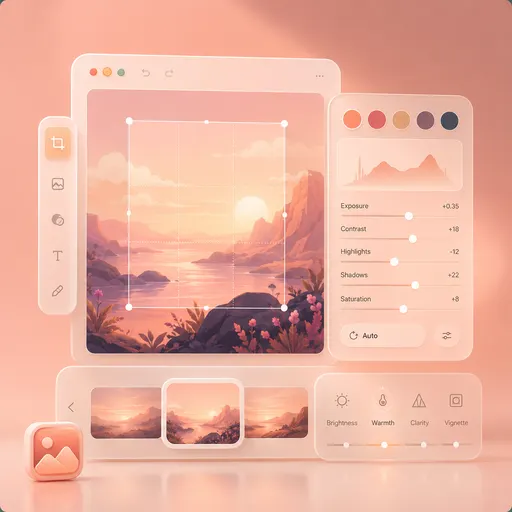
  • Van Gogh Emotional Color

    Approach visuals through a Van Gogh lens.

  • Tang Bohu Eastern Aesthetics

    Approach Eastern aesthetics through a Tang Bohu lens.

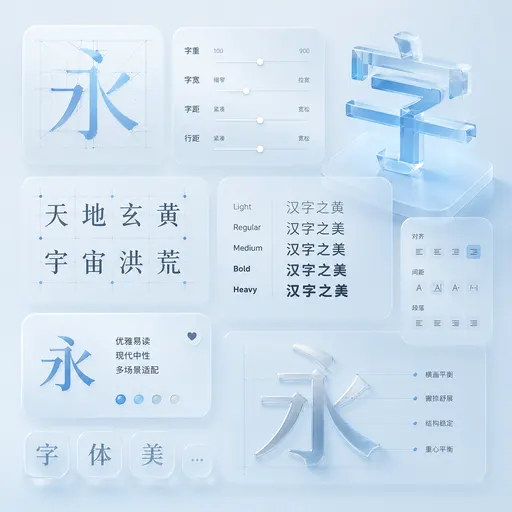
  • Chinese Typography Optimization

    OJO catalog: Chinese Font System

    Improve Chinese typography on a page.

  • Visual Style Design

    Find app-design best practices.

  • UI Visual Refinement Design

    OJO catalog: UI/UX Pro Max

    An explicitly enabled community design Skill adapted for the iRise workspace.

  • Typography Scale

    An explicitly enabled community design Skill for focused judgment, workflows, or outputs.

  • Visual Hierarchy

    An explicitly enabled community design Skill for focused judgment, workflows, or outputs.

  • Design Refine

    Refine an existing design without starting over.

  • Visual Prompt Design

    OJO catalog: Visual Image Design

    Write prompts for AI image generation.

  • Advanced UI/UX Design

    OJO catalog: UI/UX Pro Max

    An explicitly enabled community design Skill adapted for the iRise workspace.

  • Epic Visual Design

    OJO catalog: Epic Design

    An explicitly enabled community design Skill adapted for the iRise workspace.

  • Illustration Style

    An explicitly enabled community design Skill for focused judgment, workflows, or outputs.

  • UI Design System

    An explicitly enabled community design Skill with mandatory external-tool dependencies removed.

  • Color System

    An explicitly enabled community design Skill for focused judgment, workflows, or outputs.

  • Brand Consistency Critique

    An explicitly enabled community design Skill for focused judgment, workflows, or outputs.

  • Dark Mode Design

    An explicitly enabled community design Skill for focused judgment, workflows, or outputs.

  • Brand Guidelines

    Apply brand guidelines.

04

Motion

Motion direction, state transitions, GSAP implementation, and animation performance.

13 Skills
  • 3D Web Experience

    Create 3D motion effects.

  • Web Animation Effects

    OJO catalog: Web Motion Design

    Apply web motion effects.

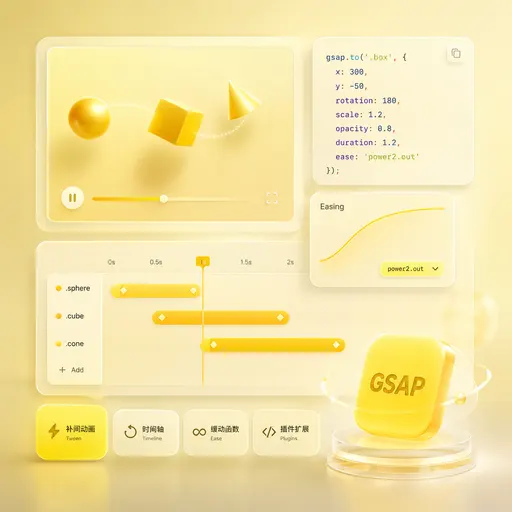
  • GSAP Motion Basics

    Use the basics of web animation.

  • GSAP Timeline

    OJO catalog: Timeline Motion

    Sequence multiple animations.

  • GSAP Scroll-Triggered Animations

    OJO catalog: Scroll-Triggered Motion

    Add effects as the page scrolls.

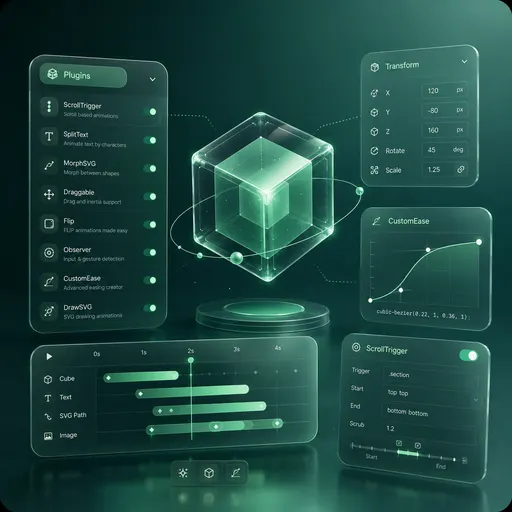
  • GSAP Plugins

    OJO catalog: GSAP Plugin Capabilities

    Use animation-library plugins.

  • GSAP Utility Functions

    OJO catalog: Motion Utility Functions

    Use animation-library utility functions.

  • GSAP React Integration

    OJO catalog: React Motion Implementation

    Use an animation library in React.

  • GSAP Performance Optimization

    OJO catalog: Motion Performance Optimization

    Optimize animation performance.

  • GSAP Framework Integration

    Use an animation library in Vue.

  • Animation Performance Optimization

    OJO catalog: Fix Motion Performance

    An explicitly enabled community design Skill adapted for the iRise workspace.

  • Component Interaction Animations

    OJO catalog: Micro-interaction Specification

    An explicitly enabled community design Skill for focused judgment, workflows, or outputs.

  • Motion System

    An explicitly enabled community design Skill for focused judgment, workflows, or outputs.

05

Development

Accessible frontend delivery, AI code review, and advanced implementation.

3 Skills
  • Frontend Accessibility Scan

    OJO catalog: Accessibility Audit

    An explicitly enabled community design Skill with mandatory external-tool dependencies removed.

  • AI Code Review

    OJO catalog: Karpathy Code Check

    Review AI-generated code.

  • Advanced Frontend Implementation

    OJO catalog: Senior Frontend

    Build React frontends.

Descriptions reflect the current OJO product catalog. Your team remains responsible for product evidence and final design decisions.

FROM CAPABILITY TO OUTCOME

Combine Skills around the decision.

OJO brings AI powered design tools into one AI agent workspace. Product, interaction, visual, motion, and development work share context. Your team owns the evidence and final decisions.

  • Reusable Skill instructions
  • Visible inputs and outputs
  • Agent Team review trail

PRODUCT QUESTIONS, ANSWERED

Before you assemble the team.

How are OJO Skills different from prompts?

A prompt is a request. A Skill is a reusable method with a defined input, process, output, and review standard. An Agent Team can apply it consistently.

Can AI for designers preserve aesthetic judgment?

AI for designers can expand options, but taste requires constraints, references, critique, and accountable selection. OJO keeps those decisions visible in the workspace.

Where does AI in UX help most?

Use AI in UX to organize research, explore flows, inspect states, and prepare reviewable alternatives. Validate the result with users and accessibility evidence.

Are OJO design agents autonomous?

They collaborate within your direction. You assemble the team, choose Skills, review the work, and decide what moves forward.

BRING THE CAPABILITY INTO YOUR WORK

Choose the right capability.Keep the whole team in context.

Explore Skills in OJO

OJO brings product and business thinking, a design-aware Agent Team, specialist Skills, and thoughtful review into one workspace.